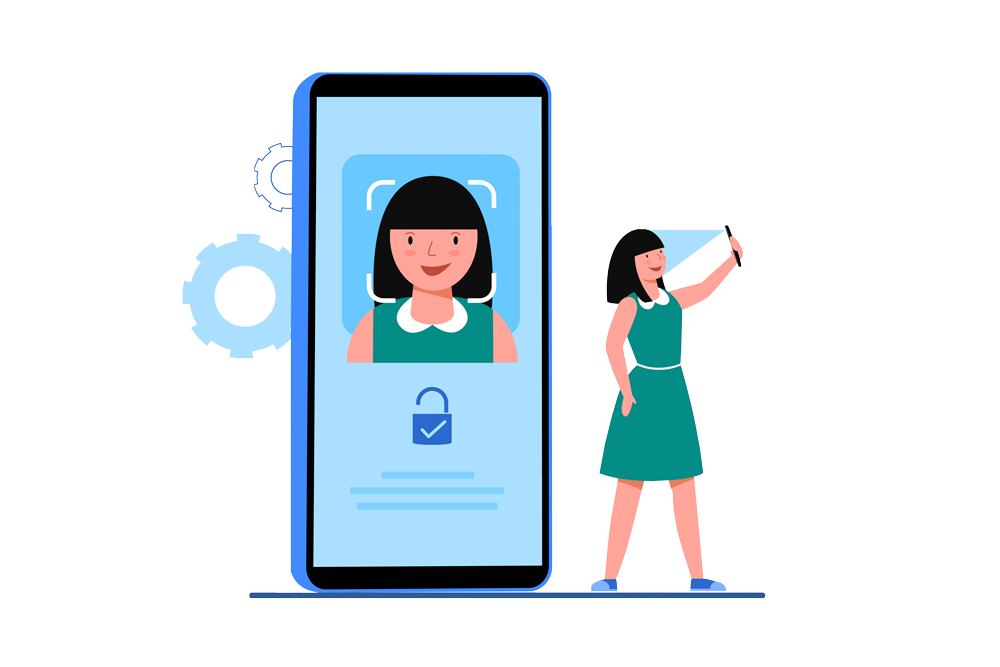
Facial Sign In

Sign in with just one look
— no username, no password, no MFA.

How does Facial Sign-In stop cybersecurity threats? Think of it this way—offline, a bad actor is a bank robber; online, they’re a hacker. Both hide their faces. Facial verification unmasks them, blocking 99% of cyber threats—the remainder depends on the device’s own security.

Start Facial Sign-In (Simulated )
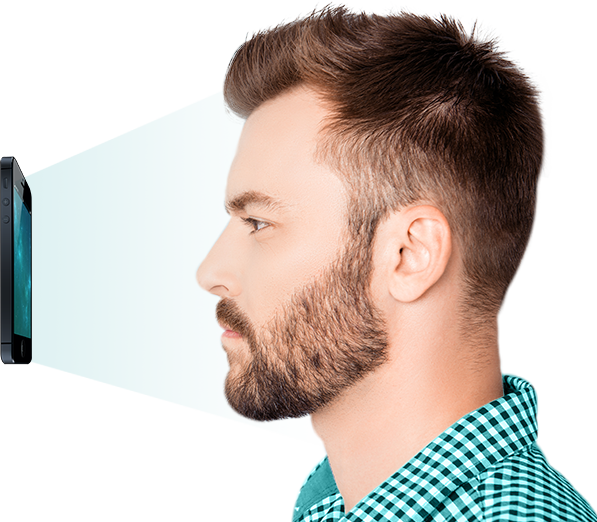
Enterprise Facial Sign In

Empower Your Enterprise with Effortless, Secure Access
  • icon

    Designed to power a diverse ecosystem, delivering a unified access experience across on-premises, cloud, and hybrid environments.

  • icon

    Minimize login hassles, maximize business momentum.

  • icon

    Only authorized users with verified facial identity can log in—keeping your enterprise protected.

  • icon

    Enables strong integration with major protocols and systems, including Active Directory, LDAP, ADFS, SAML, OpenID Connect, and OAuth 2.

One Login for All

One Identity Unlocks Every Access
  • icon

    Provides a reliable and accessible login experience on every device and app, tailored to your unique business.

  • icon

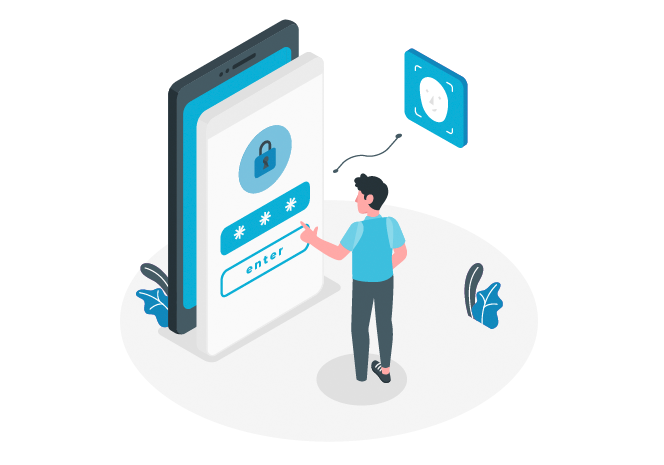
    Creates a seamless login experience free from username and password security risks.

  • icon

    More than just convenience, it’s about fostering a safer and more trustworthy digital world free from fakes.

Boost Your Business with
Axiam’s Facial Sign-In Technology

Seamless Authentication
Say goodbye to login frustration—one look replaces usernames, passwords, and MFA code entries.
Enhanced Security
Effectively removes risks from phishing, keylogging, MitM, SIM swapping, credential stuffing, social engineering, and malware/spyware.
Easy Integration
Ready-to-use APIs and code support major protocols such as Active Directory, LDAP, ADFS, SAML, OpenID Connect, and OAuth 2.

Facial Sign-In: Your Instant Cybersecurity Upgrade

Transform your security with Axiam’s Facial Sign-In solution—innovative identity verification that ensures secure and efficient access management across multiple endpoints.

Secure your Workforce
Implement Zero Trust
Transaction Authentication
Enhance Customer Digital Experience

Axiam's Github Repository

Join Axiam’s GitHub Repository Community for integration support and to share your experiences with our Facial Sign In authentication.

Facial Sign-In FAQ

What is Facial Sign-In?

Facial Sign-In is a biometric authentication method that uses facial recognition to verify a user’s identity. Instead of typing usernames, passwords, or entering MFA codes, users simply look at their device’s camera to gain secure access.

How does it work?

Facial Sign-In uses advanced computer vision and AI algorithms to map and analyze unique facial features. The system creates an encrypted template of the user’s face during enrollment. At login, the live face is compared against the stored encrypted template to verify identity.

Is it secure?

Yes. Facial Sign-In eliminates common cyberattack methods such as phishing, keylogging, credential stuffing, and SIM-swapping. Because no password or OTP code is transmitted, attackers have nothing to steal. Additionally, live-detection prevents spoofing with photos or videos.

Can it replace passwords and MFA?

Yes. Facial Sign-In can act as a complete replacement for usernames, passwords, and even weak MFA methods like SMS codes. It provides a strong identity-based authentication at the very first point of access.

What happens to my facial data?

Your facial data is never stored as an image. Instead, an encrypted mathematical template is created, making it impossible to reverse-engineer into a photo. This data is encrypted end-to-end and stored securely according to compliance standards.

Can hackers bypass it?

Unlike passwords or tokens, facial templates cannot be stolen or shared. With built-in liveness detection, attackers cannot use photos, masks, or deepfakes to impersonate a user. This drastically reduces the chance of account compromise.

What devices are supported?

Facial Sign-In works on most modern devices equipped with a camera, including laptops, desktops with webcams, smartphones, and tablets. It can also integrate with enterprise systems, bastion hosts, and cloud platforms.

How is it different from Face ID on a phone?

Consumer phone Face ID is device-based, whereas enterprise Facial Sign-In works across platforms, applications, and networks. It provides centralized identity management, auditing, and compliance for businesses—far beyond single-device unlocking.

What if my appearance changes (glasses, beard, haircut)?

Facial Sign-In systems are designed with tolerance for natural changes in appearance. Glasses, hats, or minor facial changes will not prevent recognition. If a major change occurs, you can re-enroll easily.

What if I can’t use Facial Sign-In?

Accessibility is a priority. Organizations can enable backup methods such as secure hardware keys or admin-approved overrides for users who cannot use facial biometrics.